
SMTP settings (Simple Mail Transfer Protocol) are the configuration data required to send emails via a mail server. By default, the e-mail address noreply@lawcode.cloud is stored in the Suite.
If you would like to store a different e-mail address, click on Suite settings.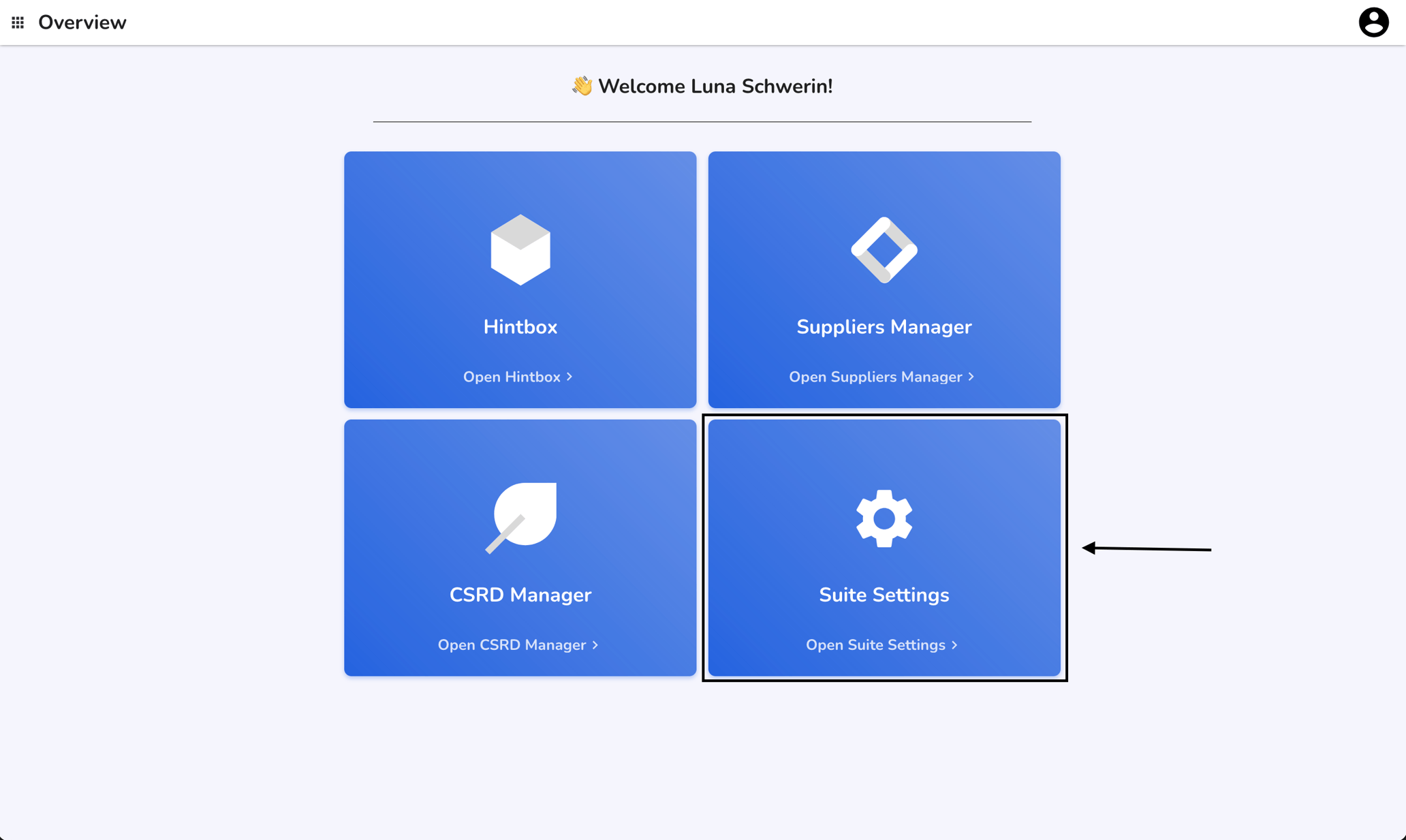
If you would like to store a different e-mail address, click on Suite settings.
Click on SMTP Settings.
Click on the checkbox.
You can now start filling in the fields. You can send a test e-mail to test the process before saving the settings.
Comments
Please sign in to leave a comment.