
To edit a data point, click on data points.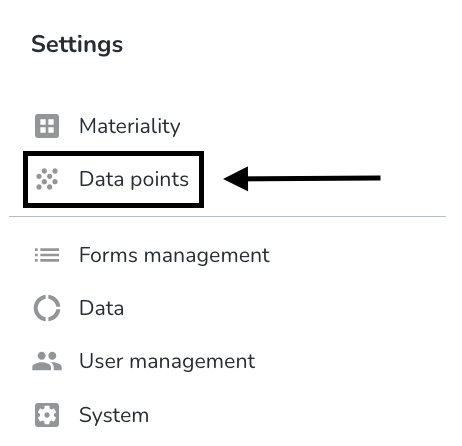
Under actions, click on the editing pen from the data point that you want to edit.
You can now start editing. Once the editing is done, click on Save.
Under actions, click on the editing pen from the data point that you want to edit.
You can now start editing. Once the editing is done, click on Save.
Comments
Please sign in to leave a comment.