
To create a sector, click non GHG carbon footprint.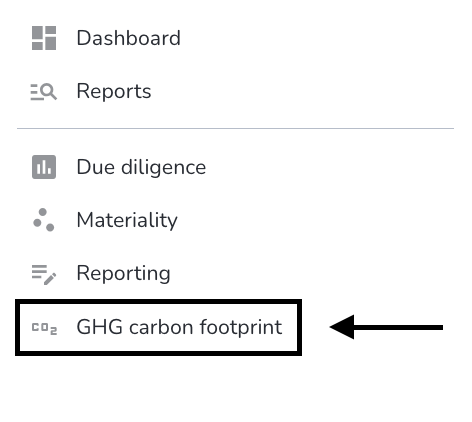
Click on create sector.
For a sector, the Titel and Scope of application are mandatory. Assigning sector group is optional.After all the informations have been added, click on create sector.
The sector has now been added.
Comments
Please sign in to leave a comment.